


Hi everyone,
Some of you have already been using SortdClass, the free set of classroom tools I’ve been building. It has a new name and a new home: SortedClass, at sortedclass.com. Same tools, easier to spell.
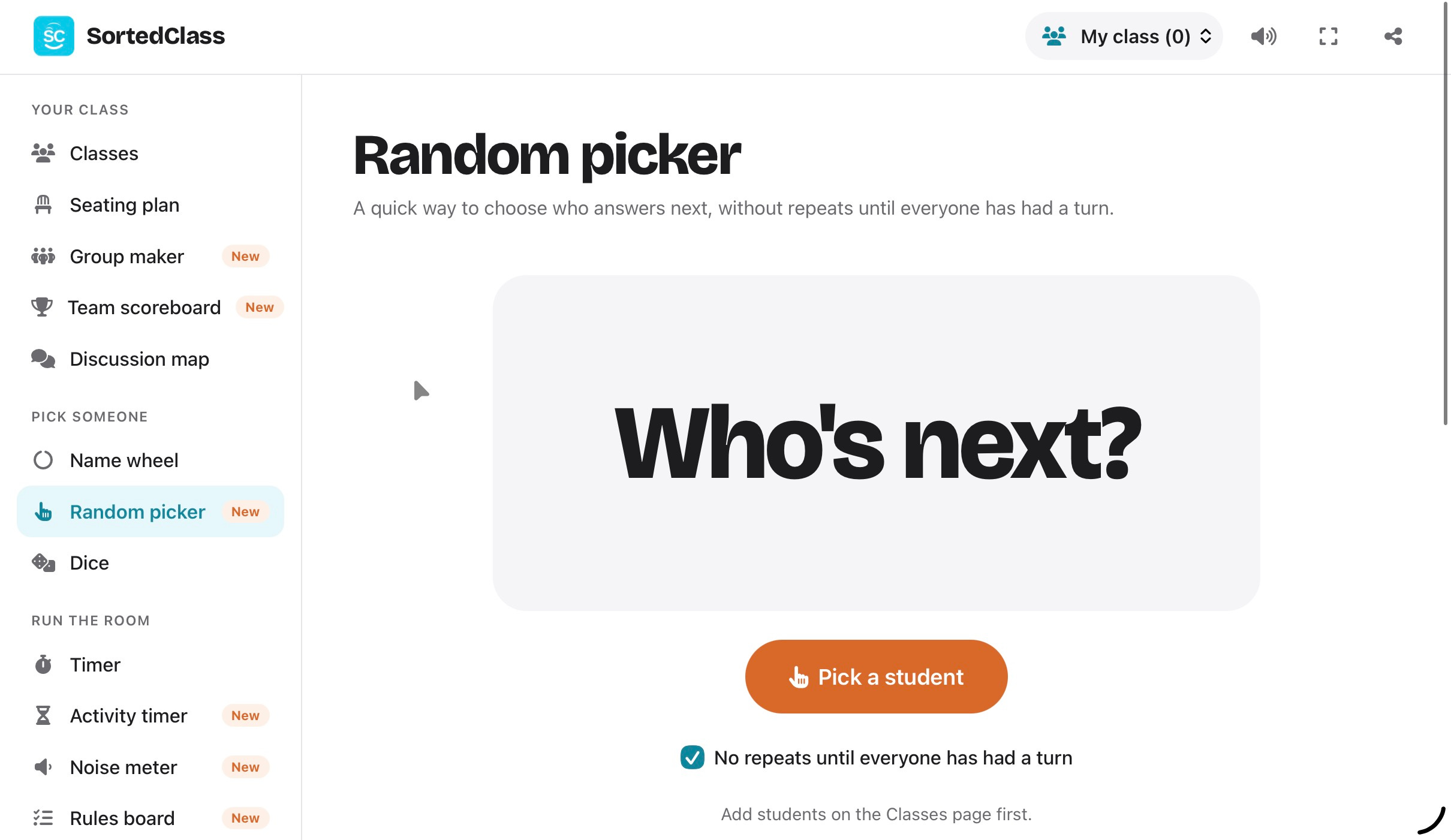
I built it because I was tired of juggling a different website for every small job in a lesson: one for a timer, another for picking names, another for groups, and a spreadsheet for seating plans. SortedClass puts them all in one place. It’s designed for the projector, an iPad or a laptop, and it’s free.
How it works
Go to sortedclass.com.
Add a class by typing or pasting in your students’ names.
Choose that class from the picker at the top. Every tool then uses it automatically.
That’s it. There’s no account to create. Everything you add is saved in your own browser on your own device and never uploaded anywhere, so your students’ names stay with you. To move your classes to another device, use the backup button to save a file and restore it there.
What’s inside
Your class
Classes: keep several classes saved, and set “keep apart” pairs for the students who really shouldn’t sit together.
Seating plan: drag tables and students around (this works on an iPad too), lock seats, and let it sort the class for you while respecting your keep-apart pairs. Then print it.
Group maker: make groups of a set size or a set number of groups, mixed fairly, ready to print.
Team scoreboard: colourful team cards with points and sounds, and a crown for whoever’s winning.
Discussion map: tap each student as they speak to map who talks to whom. It also counts turns, talking over and silences. It’s brilliant for Socratic seminars and for showing a class what their discussion actually looked like.
Pick someone
Name wheel: a proper spin, with a ticking sound and a fanfare for the winner.
Random picker: no repeats until everyone has had a turn.
Dice: roll one to six at a time.
Run the room
Timer: keeps running in the corner while you use other tools.
Noise meter: shows the class how loud they are, using the microphone. Nothing is recorded.
Rules board: your class rules, big enough for the back row.
Mood scenes: Relaxed, Focus, Rainy day and Energise. The music and animation are made live in your browser, so there are no copyright worries.
Learn
Provocation of the day: an image-free thinking prompt, ready to discuss, with a built-in think-pair-share timer. You can add your own provocations too.
Writing sprint: set a prompt and a time, add some background music, and get a one-minute warning before “Pens down”.
Text highlighter: paste in a text and annotate it live in five colours, with labels you choose. It works well for modelling close reading on the board.
Word of the day: built-in words and activities, or add your own.
More coming soon
I’m already working on the next set of tools, many of them built around inquiry and classroom talk. I’ll share more details soon, and you’ll hear about them here first.
In the meantime, give SortedClass a try in your next lesson and tell me what you think. Just hit reply. If there’s a tool you wish existed, I’d love to hear about it, because that’s how most of these started.
You can also follow along on Instagram at @sortedclass.
Speak soon,
Matt